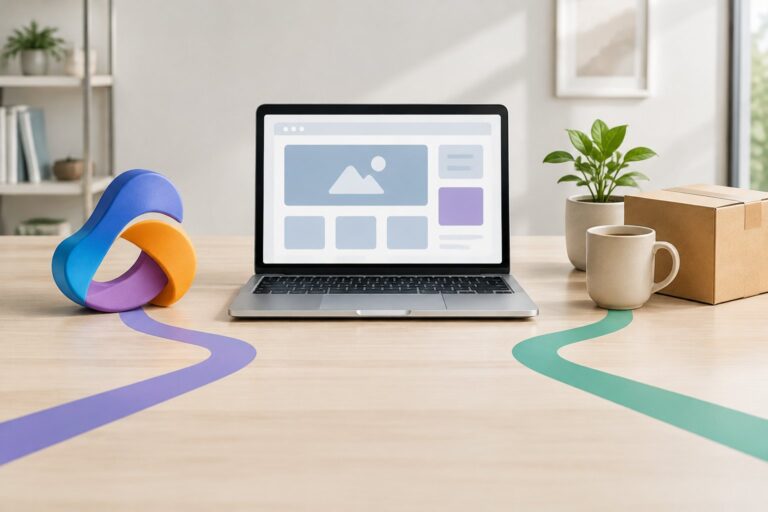
A diner standing at your counter wants one thing fast: a readable menu that loads in a second and tells them what’s on offer today. How r.nz helps restaurants and cafés simplify menus is by giving them one short, memorable address, such as cafe.r.nz/menu, that points to a digital menu page and can be updated behind the scenes whenever the menu changes. The link itself never has to change, even if the page it opens does.

For a café owner juggling seasonal specials, price changes and a QR code already printed on two hundred table cards, that stability counts for a lot. A short r.nz address keeps working across signage, social bios and packaging while the destination behind it adapts to whatever platform hosts the actual menu. If you want to see how a name like this comes together for your own café, the domain-name search is a reasonable place to start, and Plans & Pricing sets out what’s included from $9.00 a month.
How Does an r.nz Menu Link Work?
An r.nz menu link works as a redirect: it sits between the short address a customer types or scans and the actual menu page, sending visitors straight to the destination you’ve set. The menu itself lives wherever you’ve built it, whether that’s a PDF, a page from a digital menu platform, or a section of your existing website. r.nz doesn’t host or create that content; it simply gives it a clean, short front door.
Point a Memorable Address to an Existing Menu
A café can take a name such as cafe.r.nz and connect it to a menu page that already exists elsewhere. There’s no need to rebuild the website or migrate content first. You paste the destination URL into your dashboard, and the short address starts sending visitors there within moments.
Give Menus, Specials and Bookings Separate Paths
One base name can support several distinct paths for different purposes. A structure like:
cafe.r.nz→ main websitecafe.r.nz/menu→ current menucafe.r.nz/deals→ daily specialscafe.r.nz/facebook→ Facebook profile
lets a single, consistent name cover a handful of customer journeys without separate domains to manage or remember.

Where Can Diners Find the Menu Link?
A short menu link earns its keep by showing up everywhere a hungry customer might look, from the table in front of them to the social profile they checked before walking in. The same address can sit on a QR code, a printed sign and an Instagram bio without looking out of place in any of them.
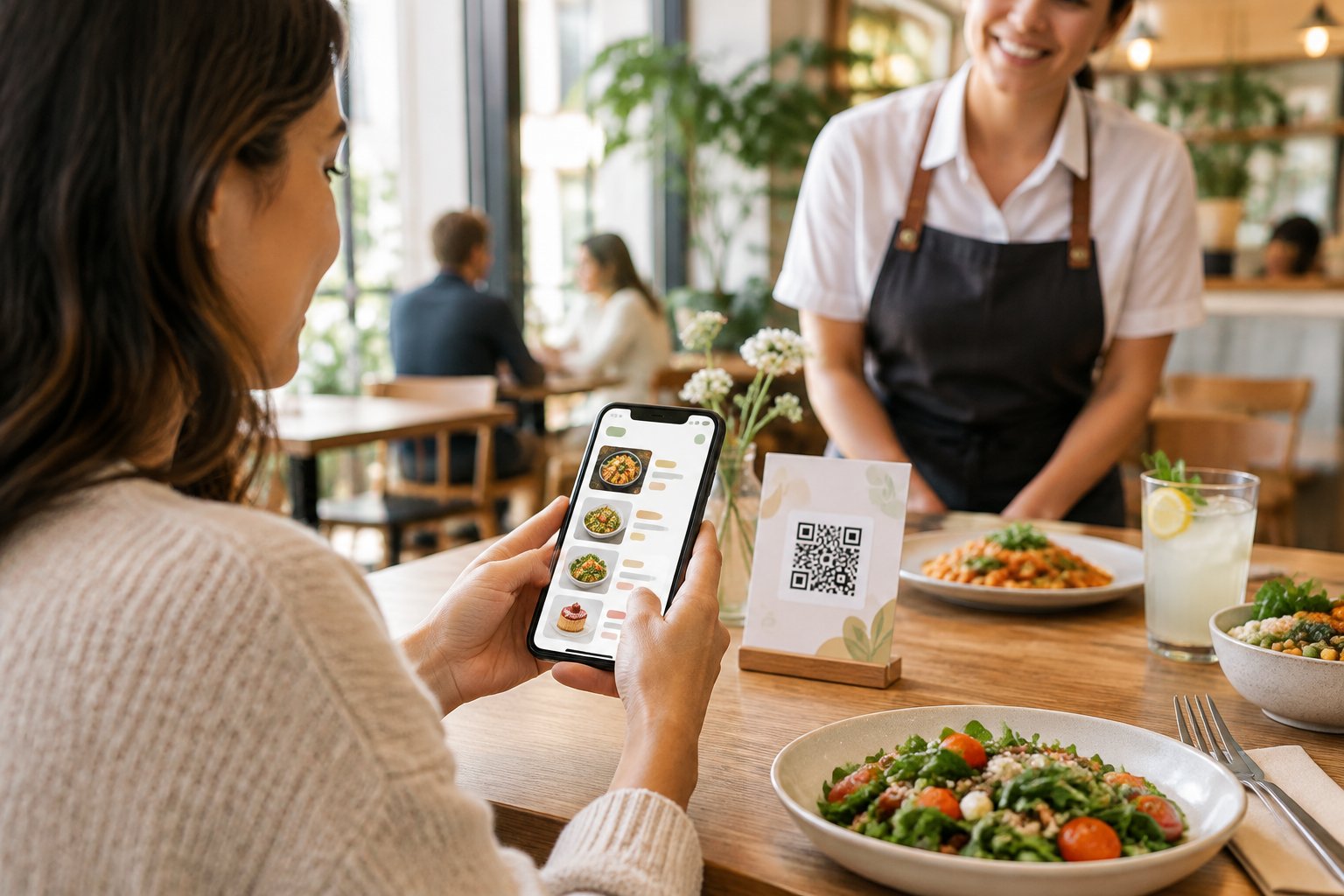
QR Codes on Tables and Takeaway Packaging
A QR code encodes a web address, and a short one makes for a tidier, more reliable code to scan. Table cards, takeaway bags and coffee cup sleeves all have limited space, so a compact underlying link helps keep the printed code clean and legible even at small sizes.
Readable Links on Signs, Flyers and Receipts
Not every customer wants to pull out a camera. A readable address such as cafe.r.nz/menu printed on an A-frame sign, flyer or receipt lets someone type it directly into a browser, which matters for customers who prefer typing to scanning or whose phone camera is playing up.
Consistent Addresses Across Social Profiles and Listings
The same short name can appear in a Facebook bio, an Instagram link and a Google Business Profile listing. Keeping that address identical everywhere avoids the confusion of three different links pointing to three different versions of the menu, and it’s easier for a customer to remember and share with a friend.
How Can a Café Keep Its Menu Link Current?
A café keeps its menu link current by changing the destination in the dashboard rather than reprinting anything. The public-facing address stays the same on every table card, sign and social post, even as prices, dishes or platforms change behind it.
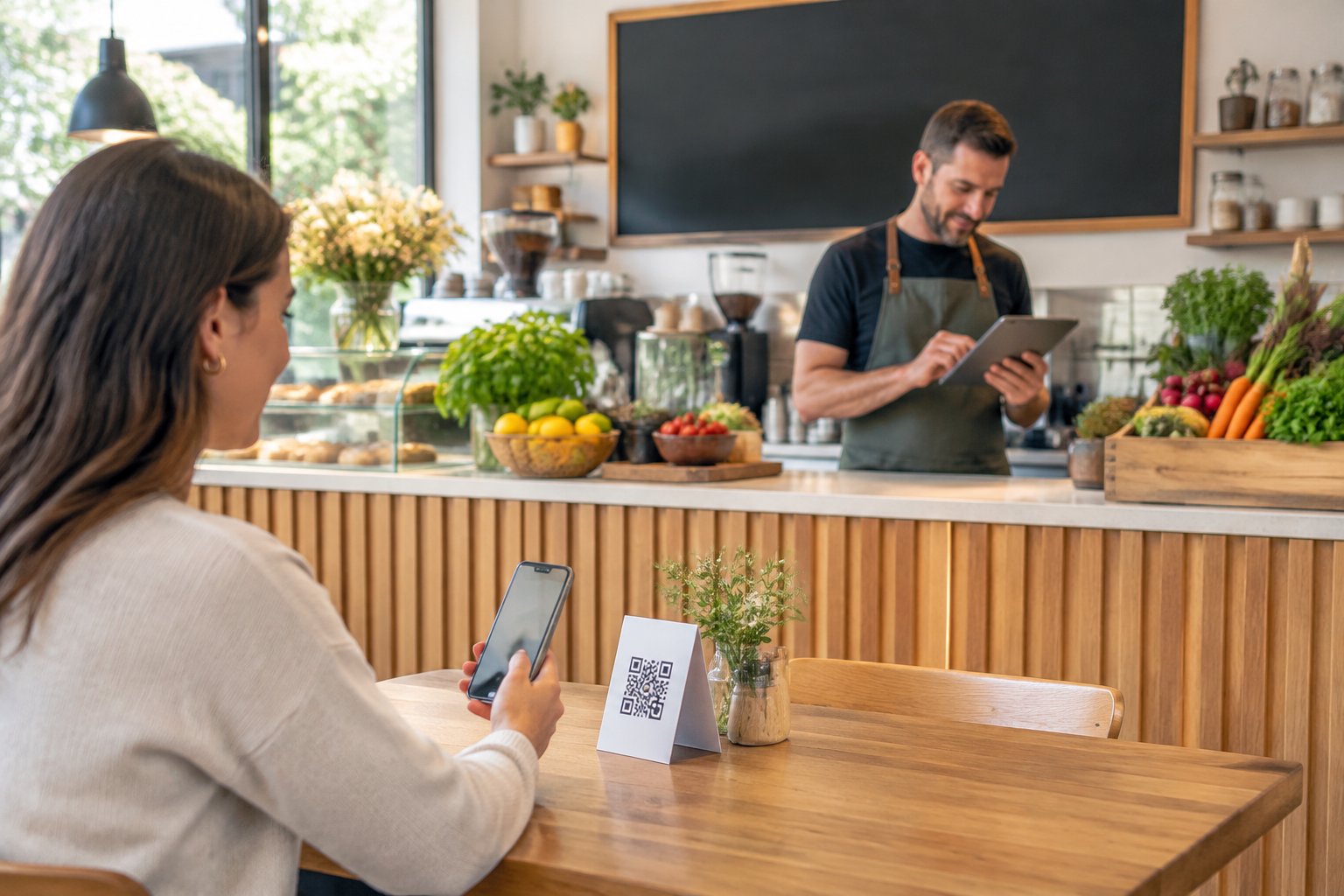
Change the Destination Without Reprinting Materials
Seasonal menus, price updates and sold-out dishes are a constant in hospitality. Updating the destination URL behind cafe.r.nz/menu takes a few minutes in the dashboard, and every printed QR code or sign that already carries that address continues to work without a reprint run.
Keep the Same Link When a Menu Platform Changes
Café owners sometimes move from one digital menu tool to another, or shift from a PDF to a hosted menu page. When that happens, only the destination needs updating. The r.nz address stays identical, so customers who bookmarked it or scanned an old code still land somewhere current.
Check That the Destination Works Well on Mobile
Most menu views happen on a phone at the table, so the page behind the link needs to load quickly and read clearly on a small screen. Worth checking after any change: does the menu open in real text rather than a screenshot or an unreadable PDF, and does it load fast on mobile data rather than café Wi-Fi.
What Does Setup Involve?
Setup involves three straightforward steps: claiming a name, pointing it at an existing menu destination, and deciding how much structure and tracking you want around it. None of it requires touching DNS settings or writing code.
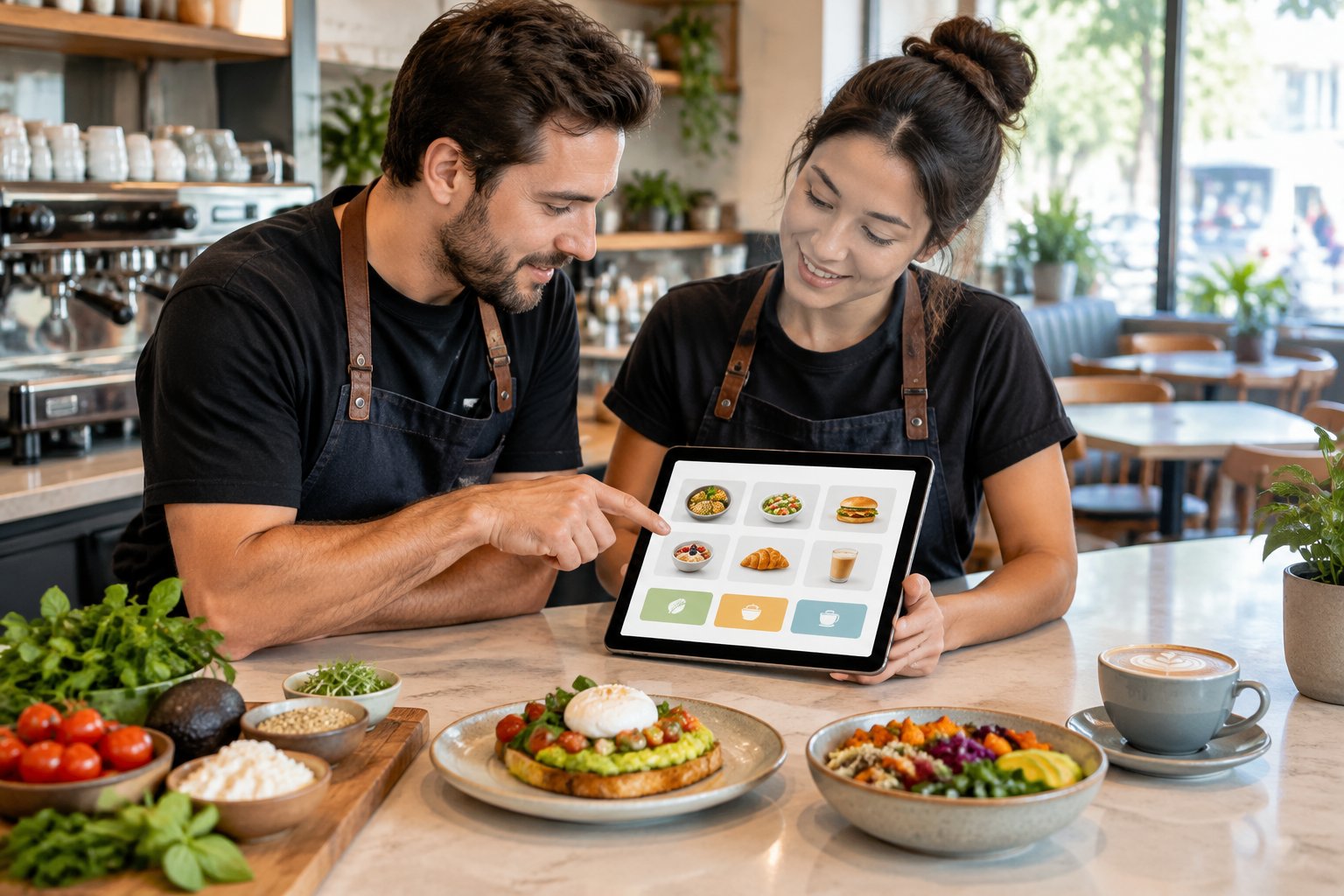
Choose a Name and Set the Destination
Search for an available name tied to your café, brand or location, then enter the web address of your existing menu page as the destination. If your first pick is taken, a short variation connected to your brand usually works just as well. The redirect activates once the destination is set and confirmed.
Understand What the Redirect Does and Does Not Host
The r.nz link is the address customers see and type; it is not where the menu content itself lives. Whether your menu is a Koala-built QR menu page, a PDF, or a page on your existing website, that content stays on its own platform and is simply reached through the shorter address.
Consider Pricing, Security and Optional Campaign Tracking
Plans start from $9.00 per month and include a custom r.nz name, SSL-protected redirects and dashboard controls. Registry also states that it checks destinations in real time for phishing and malware, which matters for a link printed widely and scanned by the public. UTM parameters and campaign tags can sit behind the short link too, so a café running a seasonal promotion can track a cafe.r.nz/deals link without the tracking string ever showing on printed material.
A Menu Address Diners Can Keep Using
A short, consistent menu address removes friction at the exact moment a diner decides where to eat or what to order. Whether that address shows up in a QR code on the table, a sign by the door or a social bio, the same clean link works across all of them, and changing what’s behind it doesn’t mean reprinting anything.
For a café with a menu that shifts by season, or a restaurant juggling a main menu alongside specials and bookings, a structure like cafe.r.nz/menu alongside cafe.r.nz/deals keeps those journeys separate but equally easy to find. The practical gain is stability: one readable address, printed once, that keeps pointing customers to the current menu no matter how often the page behind it changes.
Frequently Asked Questions
Can I put an r.nz menu link in a QR code?
Yes. A short address such as cafe.r.nz/menu encodes into a cleaner QR code than a long platform URL, which helps keep printed codes legible on table cards, cups and packaging. The QR code simply carries the link; the menu itself loads from whatever destination you’ve set behind it.
Can I change my menu without making a new QR code?
Yes, provided the QR code encodes your r.nz address rather than the menu platform’s own long URL. Update the destination in your r.nz dashboard and every existing printed code continues pointing customers to the current menu without a reprint.
Can one r.nz name link to a menu and daily specials?
Yes. A base name such as cafe.r.nz can support separate paths like cafe.r.nz/menu and cafe.r.nz/deals, each pointing to a different destination. This keeps one consistent, memorable name while separating distinct parts of your offering.
Does r.nz host my restaurant’s digital menu?
No. r.nz provides the short redirect address that sends visitors to your menu; the menu content itself lives on whatever platform or page you’ve built it on, such as a hosted QR menu page or your own website. r.nz doesn’t create or store the menu itself.
Can an r.nz link point to a menu on another platform?
Yes. You can set the destination to the publicly accessible URL of a menu page built on another platform, and the r.nz address will redirect visitors there. If you later move the menu to a different platform, only the destination needs updating, not the printed link.