A QR code is only as reliable as the data packed inside it. Encoding a short HTTPS link instead of a long campaign URL produces a less dense code, which generally scans faster and holds up better on small or imperfect print, though code size, contrast and testing still decide whether a scan succeeds. For any New Zealand business printing a code on a menu, sign, label or flyer, that distinction is worth understanding before the print run goes to the shop.
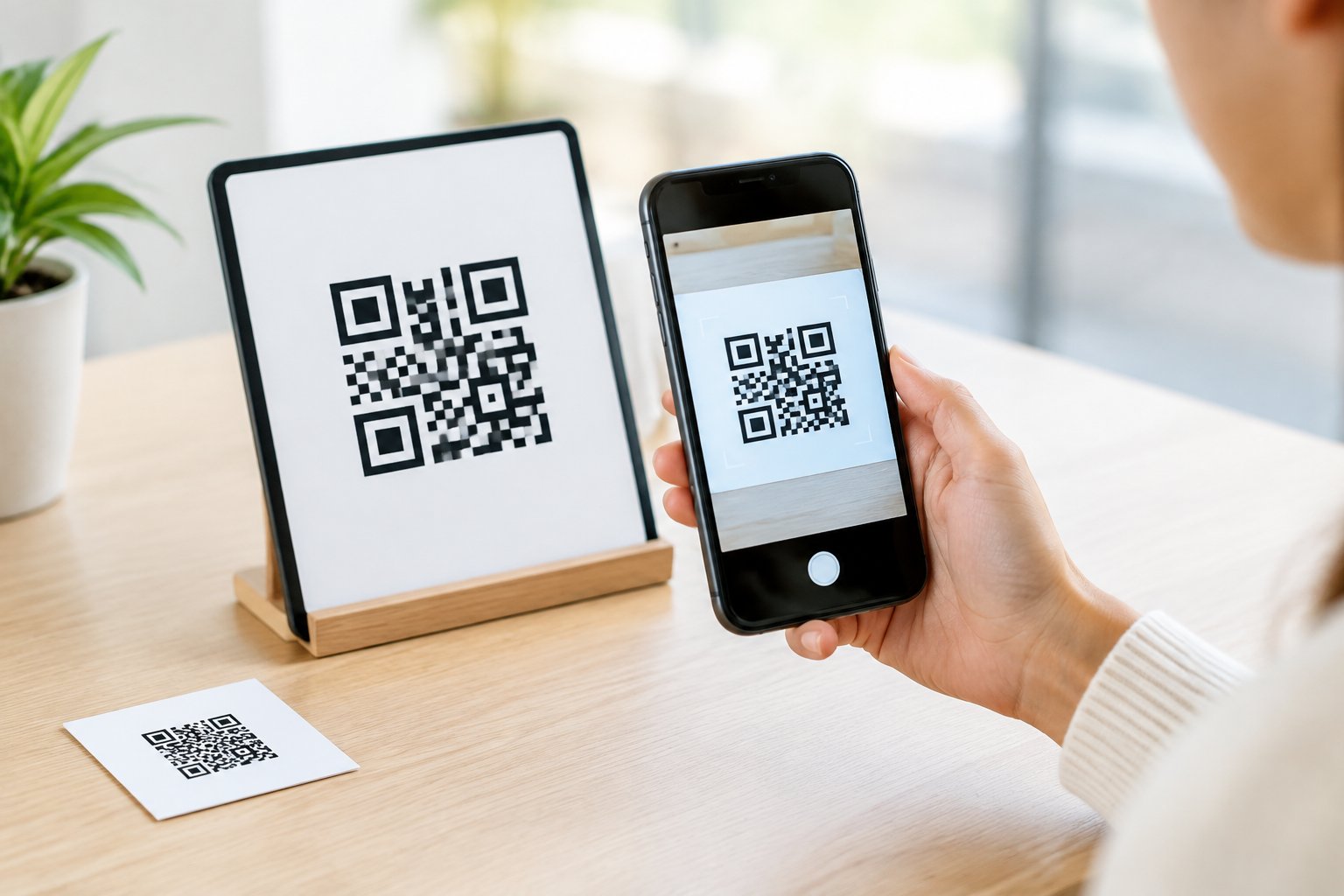
Plenty of QR code problems blamed on “bad printing” actually start upstream, in the length and structure of the URL being encoded. A tracking link stuffed with UTM parameters and category paths forces the code into a denser pattern than the same destination reached through a short redirect. Pairing that short link with sensible print size and a quick scan test, rather than relying on length alone, is what keeps a QR code NZ shoppers and diners actually use working weeks or months after it goes up.
How Does URL Length Affect QR Code Scanning?
URL length directly affects how dense a QR code’s pattern becomes, because every encoded character needs physical space inside the grid. A short URL produces a lower-density code at the same print size, while a long one with tracking parameters forces smaller, harder-to-scan modules. Code size, contrast and the quiet zone around the edge then determine whether that pattern is read cleanly in real-world conditions.
Why Longer URLs Create Denser QR Codes
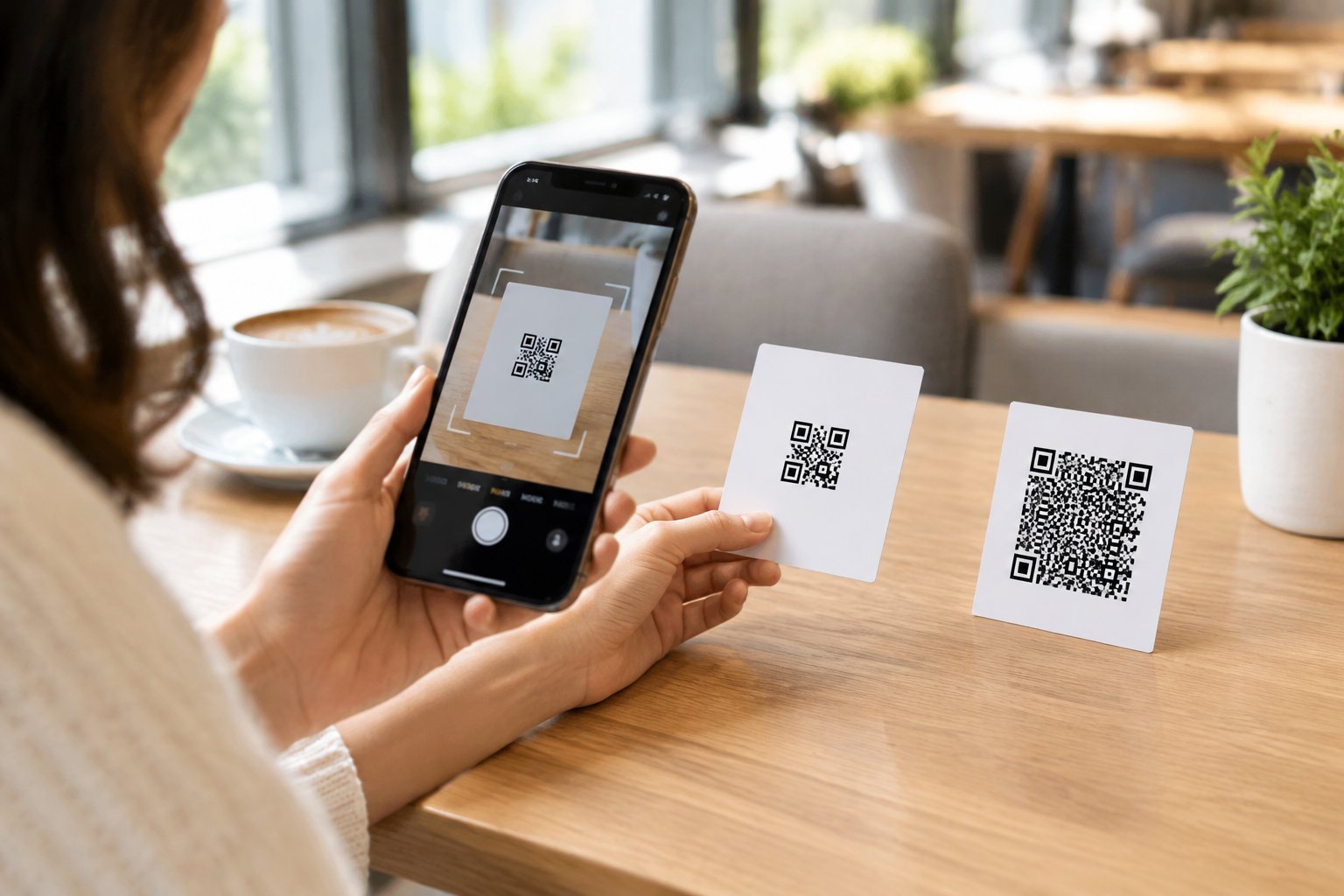
QR codes are built in fixed versions, and the version scales with how much data is encoded. Version 1 is a compact 21 by 21 modules, while Version 40 reaches 177 by 177 modules, with each higher version adding four modules per side, according to DENSO Wave, the company behind the QR code standard. A 200-character tracking URL pushes a code into a higher version than a short redirect carrying the same destination, as explained in this breakdown of dynamic QR code mechanics.
More modules packed into the same printed area means each one shrinks. Smaller modules blur, smudge, or disappear more easily when printed on a business card, sticker or product label.
What a Short URL Changes, and What It Does Not
A shorter encoded link reduces the number of modules a camera has to resolve, which can make scanning faster and more forgiving of minor print damage or distance. It does not change how quickly the destination page loads once the phone’s browser opens it. That loading speed depends on the web host and the page itself, not on the length of the string inside the QR code.
It is worth keeping those two ideas separate. A short link can make the scan easier. It has no bearing on how fast the redirect or landing page responds after the camera reads the pattern.
How QR Code Size, Contrast and the Quiet Zone Affect Reliability
Print size has to match viewing distance. A table tent viewed from roughly 6 inches away needs a minimum QR size of around 0.8 inches, a poster viewed from 3 feet needs about 1.5 inches, and a banner read from 10 feet needs 4 inches or more, according to this print marketing measurement guide. High contrast, ideally black on white, and a clear quiet zone (the blank border around the code) both matter as much as the data inside it.
How Can a Printed QR Code Stay Useful When a Page Changes?
A printed QR code stays useful after a page changes only if it encodes a redirect you can edit, rather than the final destination itself. That distinction, between a static and a dynamic code, decides whether a wrong link, a sold listing, or an expired offer means a quick dashboard update or a full reprint.
Static vs. Dynamic QR Codes: What Can Be Updated?
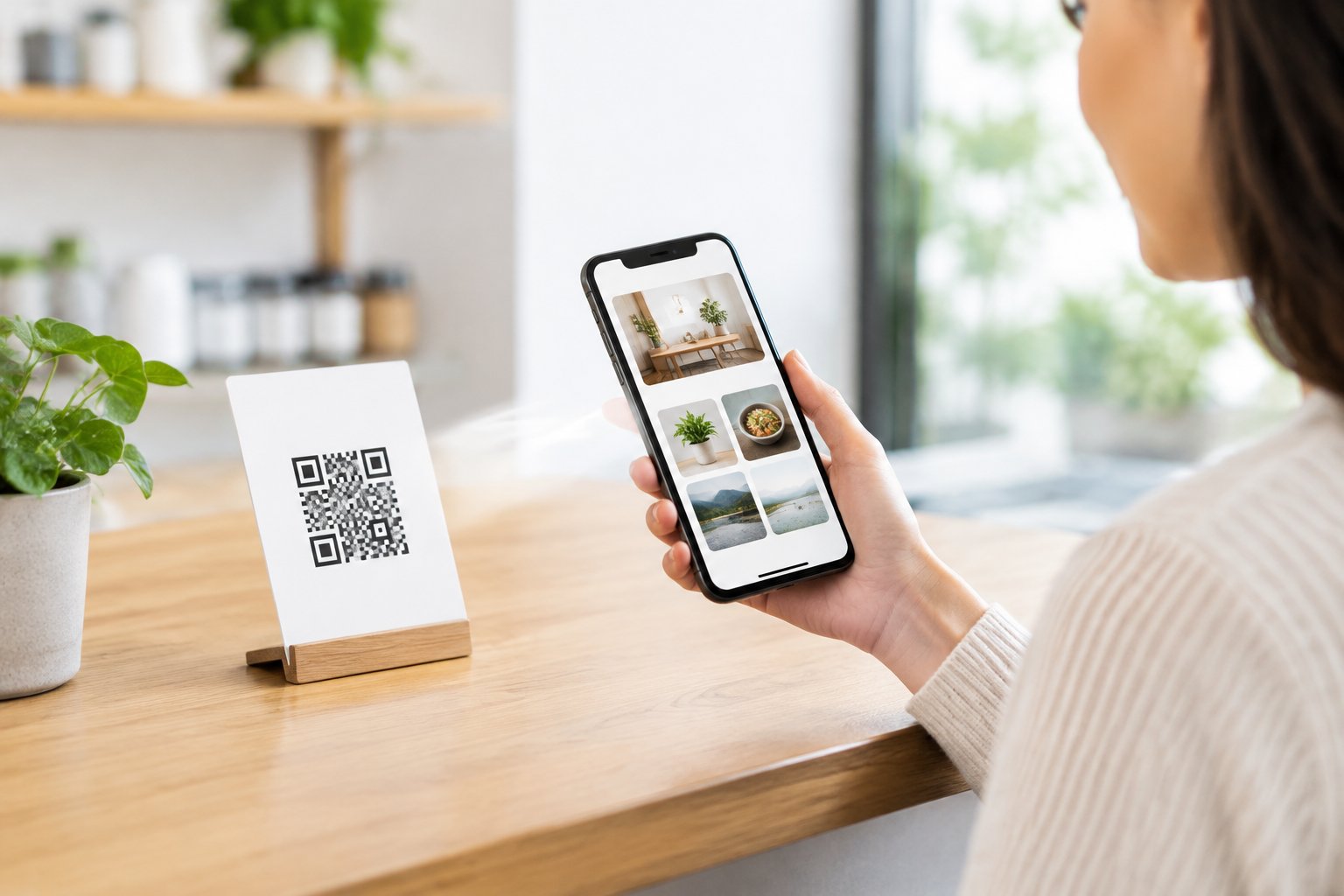
A static QR code has the final URL baked directly into its pattern. Once it is printed, the destination cannot change. A dynamic QR code encodes a short redirect URL instead, so the printed graphic stays identical while the server-side destination behind it is edited at any time, as described in this explanation of static versus dynamic QR codes.
That is the mechanical reason product recalls, menu changes and seasonal campaigns favour dynamic setups. The ink never has to change, only the mapping behind the short link does.
How an Editable Short Link Routes a Scan
When a phone scans a dynamic code, it does not land on the final page directly. It opens a short HTTPS link first, that link’s host looks up the current destination, and an HTTP redirect sends the browser onward, a process detailed in this overview of QR short links and redirects. A branded short link such as a custom r.nz subdomain works the same way: visitors see a stable, recognisable address while the business updates the destination behind it whenever a listing sells, an offer ends, or a page moves.
What to Check Before Relying on a Redirect
Before trusting a redirect for a print run, confirm HTTPS is active, test the live link from multiple networks, and document who has access to edit the destination. A redirect host that is overloaded or misconfigured can still produce an error even when the printed code itself is flawless.
What Makes a Short-Link QR Code Work in Print?
A short-link QR code works in print when it is generated from the public redirect, not the long destination, and then tested under the same conditions the finished piece will face. Getting those two steps right matters more than any single design choice.
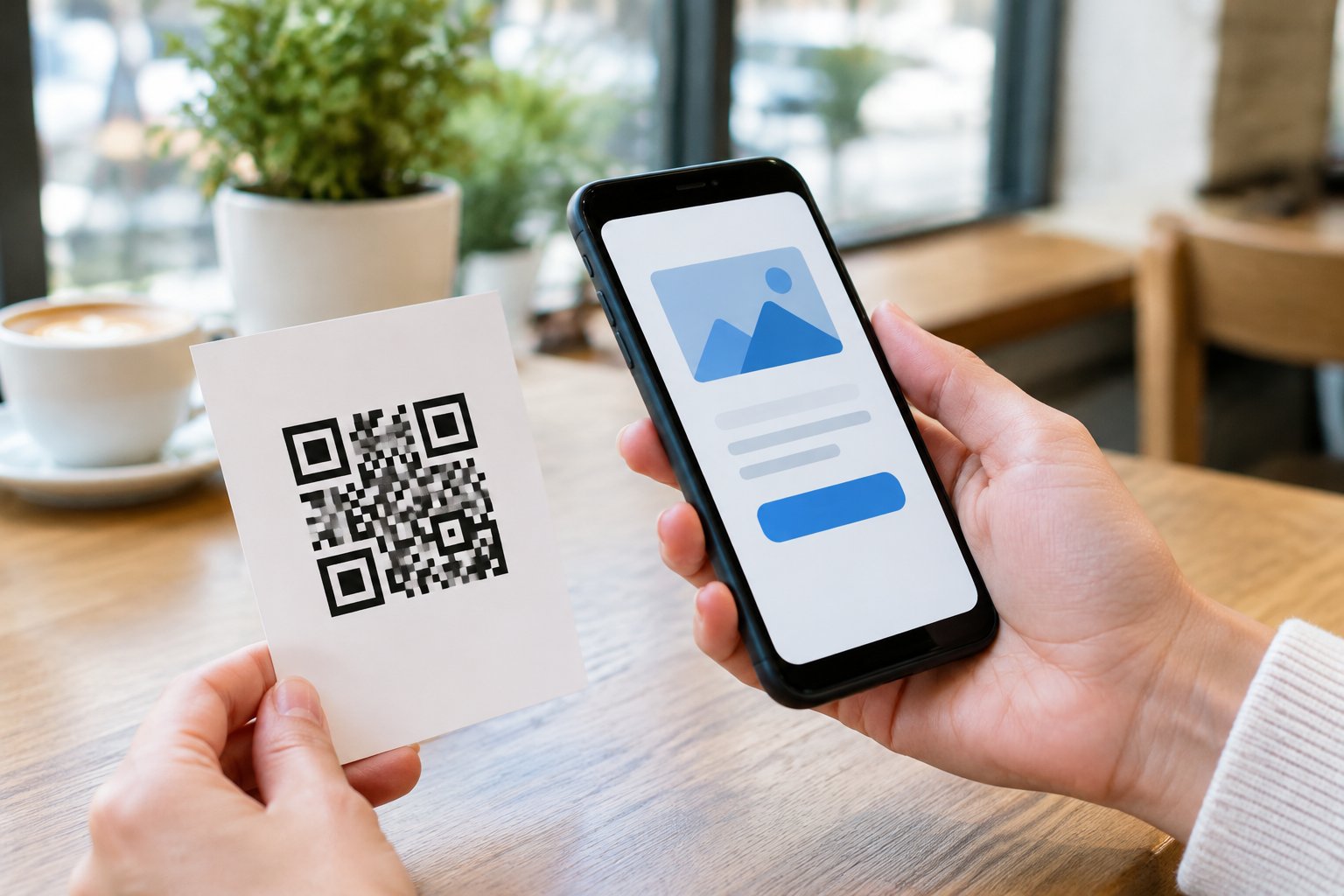
Generate the Code from the Public Link, Not the Long Destination
Feed a QR code generator the short redirect URL, not the full campaign link with its UTM tags and category paths. Doing so keeps the resulting pattern sparse, which this guide to QR data optimisation ties directly to faster scans and more reliable performance at small sizes. The long, parameter-heavy URL still exists; it simply lives behind the redirect rather than inside the printed square.
Test the Finished Artwork in Real Scanning Conditions
Scan the actual printed proof, not a version on screen, using more than one phone. Check it outdoors in bright light, under dim restaurant lighting, and from the distance a customer will realistically stand. A code that scans perfectly on a laptop display can still fail once it is shrunk onto a coffee cup sleeve or laminated menu.
Keep a Readable Link Beside the Code
Print a short, typeable fallback link next to the code for anyone whose camera will not focus, whose hands are full, or who simply prefers typing. A compact address such as yourbrand.r.nz reads cleanly on a sign or receipt and gives customers a second way in without reaching for a generator themselves.
How Should Campaigns Use QR Codes and Short Links Together?
QR codes and short links work best in the same campaign when each channel gets its own link and the destination stays consistent. Packaging, menus and events favour a scannable code, while email, social bios and paid ads favour a tapable short link, and keeping the tracking separate is what makes the resulting data useful.
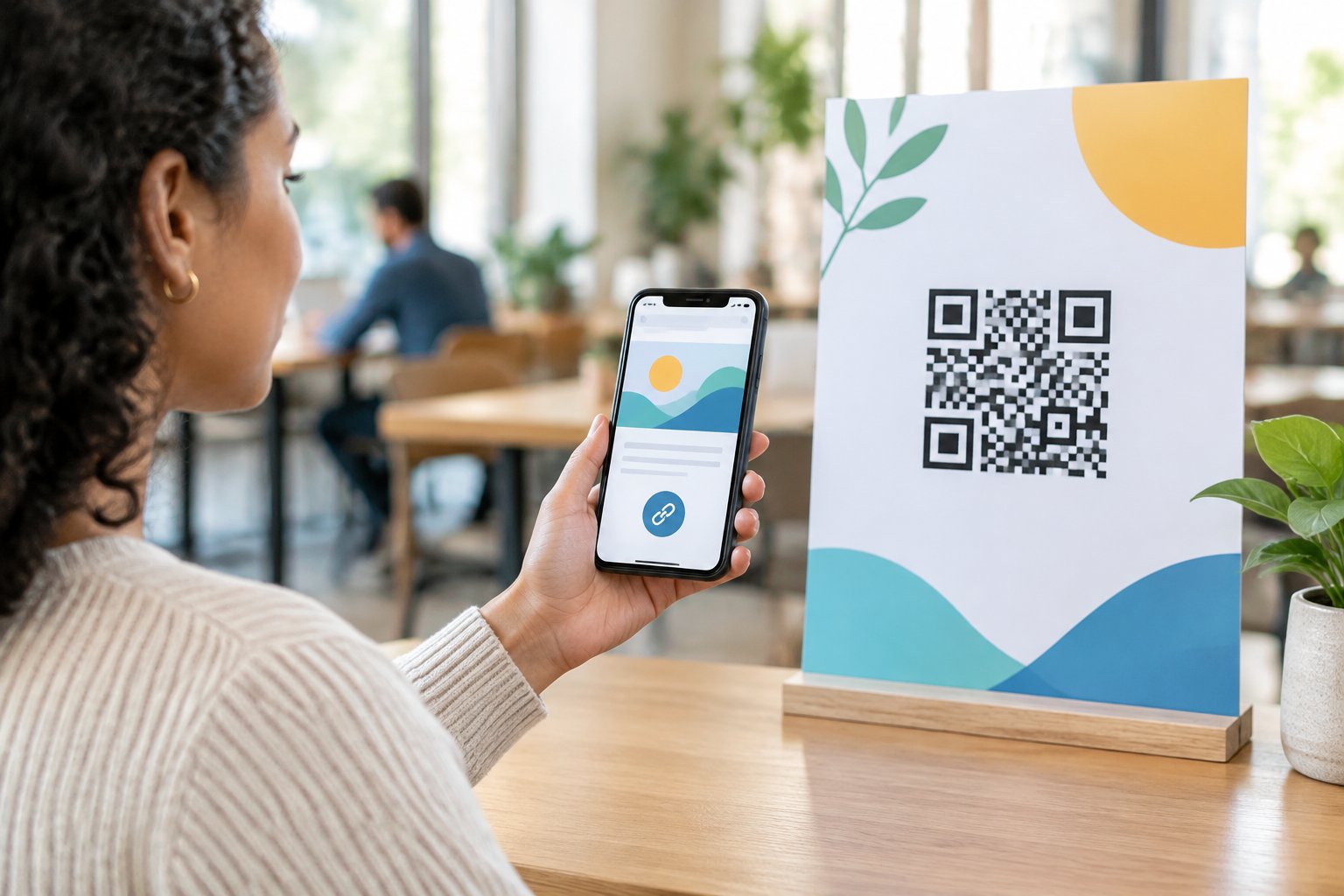
Match the Destination to Packaging, Menus and Events
Product packaging, digital menus and event materials suit QR codes because the phone is already in hand and scanning beats typing, a pattern reflected in this print marketing tracking guide. A café table tent pointing to a digital menu, a product label linking to setup instructions, or an event badge linking to a schedule are all cases where the camera does the work and a vCard QR code can hand over contact details in one scan.
Use Clickable Links in Digital Channels
Email marketing, social bios and digital ads work better with a plain short link, since there is no camera step and character limits matter. The same destination can serve both channels; only the format and the tracking ID around it change.
Separate Print and Digital Traffic for Attribution
Give the QR code and the short link distinct identifiers, even when they point at the same campaign landing page, so scan counts and click counts can be compared rather than merged into one confused total. UTM parameters sit behind the redirect rather than inside the printed code, keeping the pattern simple while still feeding campaign performance data into existing analytics tools.
A Short Public Link That Lasts Beyond the Print Run
A print run outlives most campaigns, and the public link on it has to survive that whole stretch unchanged. A branded short link, kept stable on the surface while its destination is updated behind the scenes, is what lets a flyer, sign or packaging insert stay accurate long after the original offer, listing or page has moved on. That is the practical case for branded short links printed on anything meant to last: the redirect does the adjusting, not the printer.
Frequently Asked Questions
Does a shorter URL always make a QR code easier to scan?
A shorter URL reduces the code’s density, which generally helps scanning at small sizes or from a distance. Print quality, size, contrast and the quiet zone around the code still have to be right, so a short link improves the odds without guaranteeing a perfect scan on its own.
Can I change where a QR code goes after printing it?
Only if the code is dynamic, meaning it encodes a redirect rather than the final destination. A static code has the destination fixed into its pattern permanently, so changing it after print means creating new artwork.
Does a short link make a static QR code dynamic?
No. A static code remains static even if the encoded string is short, because the destination is still locked into the pattern itself. A code only becomes editable when it points at a redirect service that lets you change the mapping on the server side.
Should I print a short link next to my QR code?
Printing a readable short link beside the code gives customers a typeable fallback when a camera will not focus or a scanner app is not installed. It also gives the business a second, distinct way to track engagement separately from scans.
Can I tell QR scans apart from clicks on the printed link?
Yes, by giving the QR code and the nearby typed link separate tracking identifiers or UTM parameters even when both point at the same landing page. Merging them into a single link makes the destination simpler but removes the ability to see which format drove the traffic.