A business card has one job after the handshake: make it easy for someone to find you again. Most cards fail at this the moment a phone number changes or a website gets redesigned, because the printed detail stops matching reality.
A short, branded link fixes that problem at the source. Instead of a long web address or a static phone number, your card carries something like you.r.nz, a name people can read, type, or scan, and one you can repoint whenever your business moves on. Registry builds exactly this kind of link for New Zealand businesses, and the rest of this piece covers how to put one on a card properly, alongside a QR code rather than instead of one.

If you’re about to order a print run and want the card to still make sense in a year, it’s worth getting the link right before the QR code, not after. Registry’s domain-name search takes a few minutes and settles the question before you touch a design file.
What Does a Short Link Add to a Business Card?
A short link gives your business card a readable, brandable, editable web address instead of a long URL or a generic shortener string. It reduces typing errors, signals legitimacy, and keeps the printed card accurate even after your website changes.
Make Your Brand Memorable Beyond the Handshake
A branded short link puts your business name where a stranger of code would otherwise sit. it.r.nz reads as a business making a deliberate choice, not a leftover from a free shortening tool.
Branded short links earn 2.3x more click-throughs than generic short links, largely because people recognise and trust a link that names the sender rather than hiding behind random characters. On a card exchanged once and read later from a desk drawer, that recognition does real work.
Give People a Link They Can Read and Type
Short, clean URLs remove the guesswork that kills a follow-up. A link like tradie.r.nz/quote tells someone what they’ll get before they tap it, while bit.ly/7JkP2r tells them nothing.
Character limits matter more than people assume, keeping a back-half short and word-based improves comprehension and memorability, and a link someone can recall later beats one they have to dig the card back out to use.
Keep Printed Cards Useful When Your Website Changes
Printed cards outlive the website behind them more often than owners expect. Link rot, a short link pointing nowhere because the destination moved or disappeared, quietly erodes trust every time someone hits a dead page.
With Registry, the printed link stays fixed while the destination behind it changes in the dashboard. That’s the practical reason a short URL belongs on a card even for businesses that already update their site often; read more on the psychology behind why customers trust short links.
Where Should Your Business Card Link Lead?
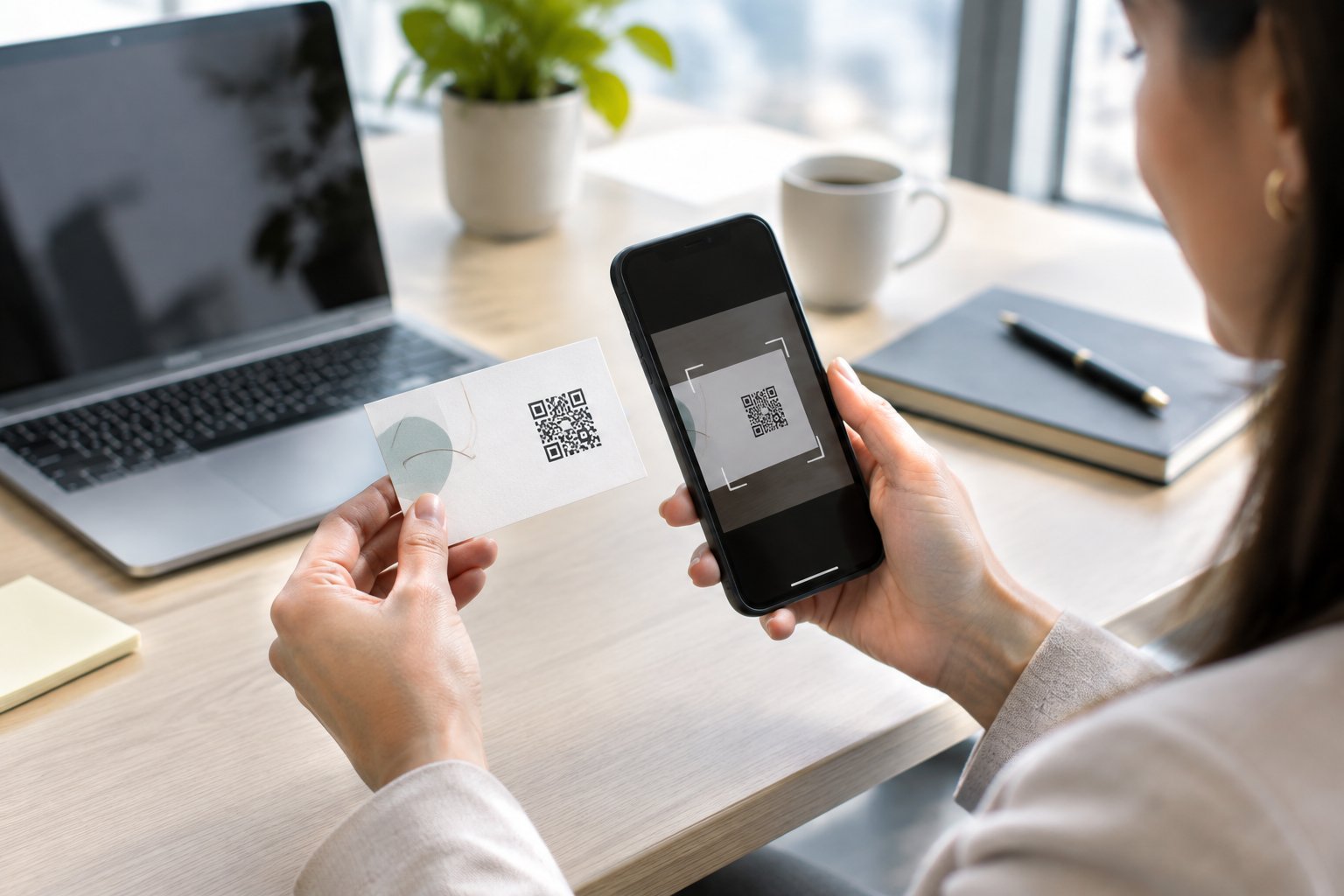
Send your card link somewhere more specific than your homepage: a digital business card, a booking page, or a portfolio, depending on what you want to happen next. The destination matters more than the design of the card itself.
Help People Save Your Contact Details
A vCard destination lets someone save your name, number, and email straight to their phone in one tap, no retyping, no misspelled surnames. This is the simplest version of “scan to save contact” and suits almost any professional who wants their details to survive the drive home.
Send Prospects to a Booking Page or Portfolio
If your goal is a meeting rather than a saved contact, point the link at a Calendly page or similar scheduler instead. Tradespeople, consultants, and freelancers often get more value from a link that leads straight to a quote form or a gallery of recent work than from a static contact card.
Use One Destination to Offer Several Next Steps
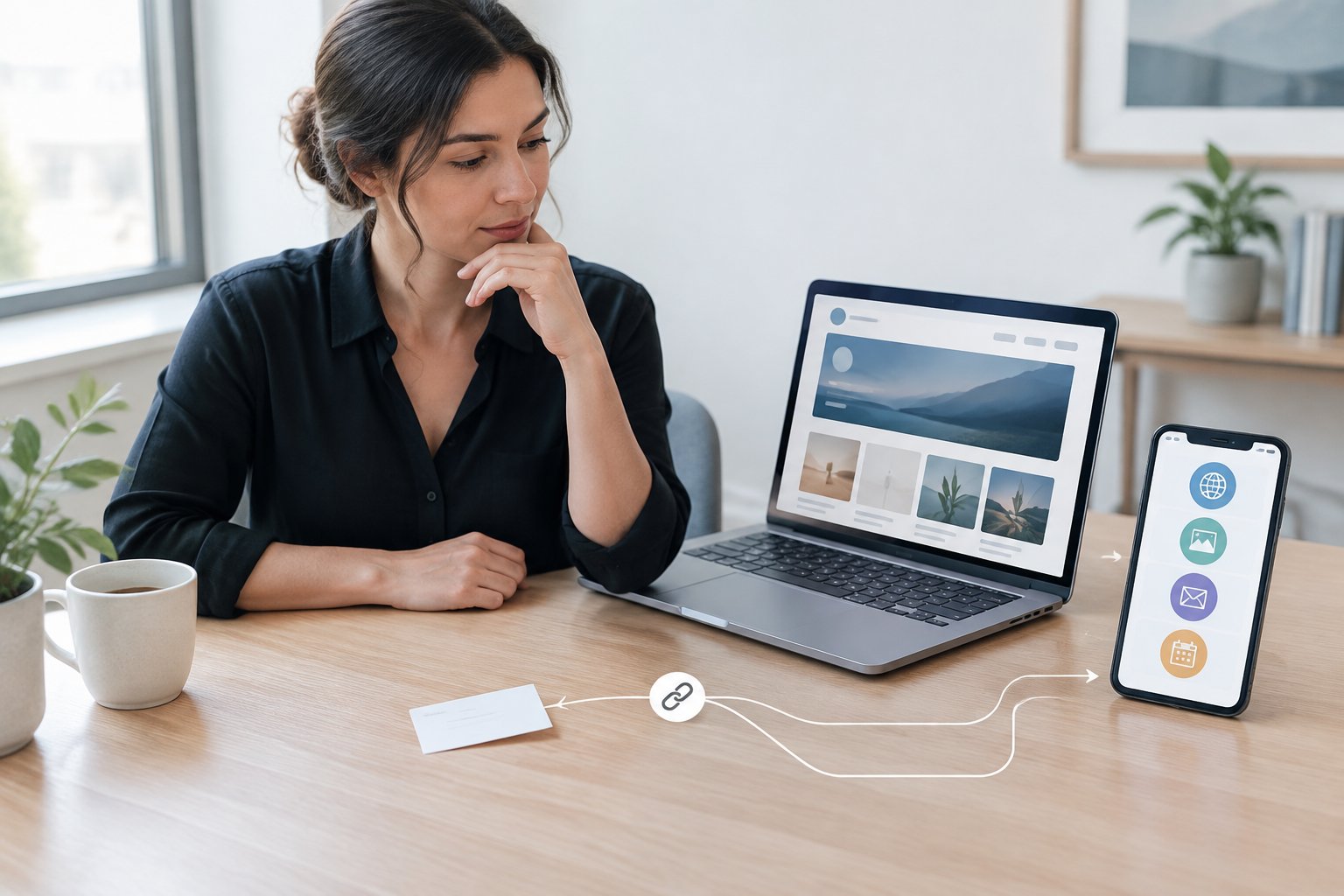
A single base link can support more than one job if you structure it with paths. it.r.nz might sit alongsideit.r.nz/repairs or it.r.nz/support, each a distinct destination under one memorable name.
This suits a LinkedIn profile for a consultant, a listing page for a real estate agent, or a service menu for a tradesperson, all without needing separate business cards for each audience. See how branded links support New Zealand businesses more broadly, or how a similar approach helps freelancers build a consistent digital identity.
Should You Print a Short URL, a QR Code, or Both?
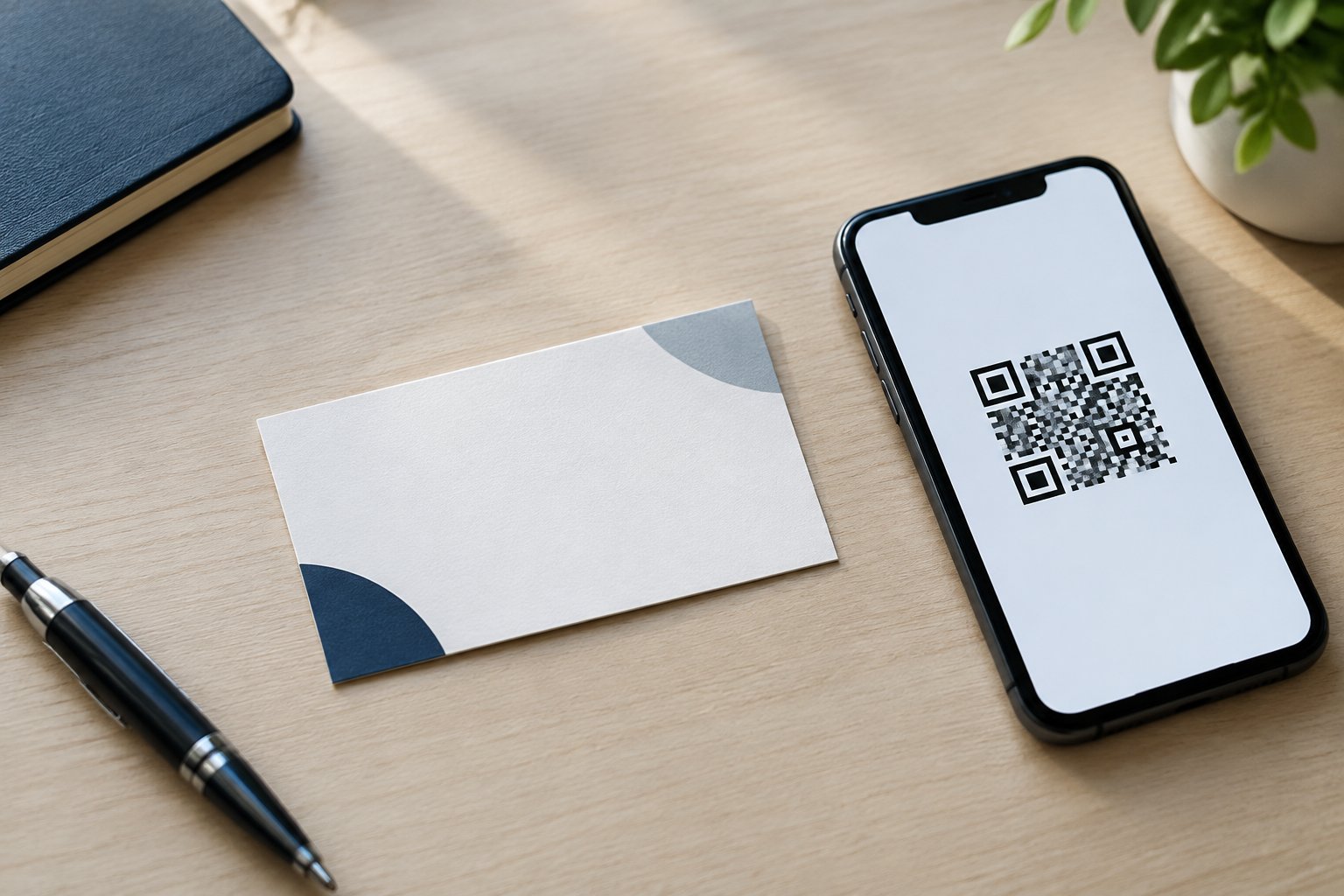
Print both: a QR code for the quick scan and a typed short link underneath it as a fallback. The two formats solve different problems, and relying on only one leaves part of your audience without an easy way in.
Understand Static Contact Codes vs. Editable URL Codes
A static QR code encodes contact details or a URL permanently; once printed, it cannot be changed. A dynamic QR code instead stores a redirect, so the printed square stays the same while the destination behind it can be updated at any time, which is the more practical choice for a business card since job titles, URLs, and offers shift over time more often than the card itself does.
Give People a Typed Link as a Scanning Alternative
Not every card gets scanned. Someone without a working camera app, a slow connection, or simply a habit of typing will default to reading the link instead, so a card that only carries a QR code with no visible URL loses that person entirely. Printing the short link in a clear, legible line beside or beneath the code gives both groups a working option, and it’s a detail worth checking before a print run goes out; related guidance on how short links improve QR code scanning covers the pairing in more depth.
Design and Test the Code Before Printing
A QR code needs a minimum size of roughly 2cm by 2cm with a clear quiet zone around it to scan reliably in low light, and high-contrast, non-inverted colours scan more consistently than branded colour schemes. Test the finished card with more than one phone and more than one QR code generator before committing to a full print run, since a code that scans on your screen doesn’t guarantee it scans on paper at business card size.
How Do You Create and Maintain a Reliable Branded Link?
Claim a short, purposeful r.nz name through Registry, point it at the right destination, and keep the destination current from the dashboard. The setup itself takes minutes and avoids DNS configuration entirely.
Choose a Short, Purposeful Name with Registry
Pick a name that matches how people already know your business: yourbrand.r.nz for a general front door, or a dedicated path like yourbrand.r.nz/book when the card exists mainly to generate bookings. Registry’s plans start from $9.00 per month and include a custom r.nz name, high-speed redirects, and SSL security, with availability checked through the domain-name search.
Check the Destination, Security and Provider Dependence
Registry checks destinations in real time for phishing, malware, and harmful redirects, and states that redirects are SSL-protected without forced interstitial ads or injected tracking scripts. Choosing a shortener with threat detection matters for link security broadly, since a short link that can’t be verified at a glance puts the burden of trust entirely on the printed brand name around it.
Measure Results Without Assuming Every Tool Has Analytics
Not every short link platform offers click tracking, and features vary by provider, so confirm what a specific tool includes before building a reporting habit around it. Where a platform does offer link analytics, a separate link per card batch, event, or campaign makes it possible to see which one actually drove replies; broader link management practices are covered in this practical guide to link management.

Make Every Card a Lasting Way to Connect
A business card does more work when its link survives beyond the first handshake. Branded links keep the printed card accurate as your business changes, and pairing one with a QR code covers both the scan and the type.
Good link management means the box of cards in your drawer stays usable for years rather than one print run. Settle on a short, readable name, decide what it should lead to, and treat the card as a long-term asset rather than a one-off print job.
Frequently Asked Questions
Is a short link worth printing if my card already has a QR code?
Yes. A QR code depends on a working camera and a decent connection, while a printed short link gives anyone who can’t or won’t scan a straightforward way to type the address instead. The two formats cover different situations rather than duplicating each other.
Can I change where my business card link goes after printing?
Yes, with a dynamic link or QR code the printed card stays the same while the destination behind it updates in the dashboard. Registry allows the destination to be edited at any time without changing the public r.nz name already printed on the card.
Can a short link help someone save my contact details?
A short link can point to a vCard page that auto-fills someone’s contact details in one tap, which covers the same job a dedicated vCard QR code does. The link itself is simply the address; what it leads to determines whether contact details get saved.
Will a short link on my business card affect SEO?
A business card link has little bearing on website SEO, since it’s a printed, offline touchpoint rather than a web page earning links or rankings. Clean URL structure matters more for pages your site publishes online; see the SEO benefits of clean URL structures for that side of the picture.
Can I use an r.nz link with a QR code generator?
Yes, an r.nz short link works the same as any URL when fed into a QR code generator: paste the link, generate the code, and print it on the card. Registry provides the branded link and editable destination; the QR code itself is produced through a separate generator tool.