A customer squints at your business card, types the web address twice, and still lands on a 404 page. That moment costs you a sale, and it happens more often than most business owners realise.
A short business URL fixes this by giving customers one clean, memorable address, such as a branded r.nz domain, that stays the same even when the page behind it changes. Instead of a long domain weighed down by folders, dates, or tracking text, you get a name customers can read once, remember, and type correctly from a sign or a menu board.

This matters most in the places where a long web address does real damage: printed signage that cannot be edited once it is installed, a QR code glued to a shop window, or a social platform with no room for extra characters. Getting the naming and structure right now saves you from reprinting materials later. The rest of this piece sets out exactly when a long address starts costing you customers, and how to choose a short link that still works in a year’s time.
When Does Your Web Address Need Simplifying?
Your web address needs simplifying when customers hesitate, mistype, or ask you to repeat it out loud. A shorter domain name removes that friction, particularly for a business domain that was chosen for a legal entity name rather than for how it sounds when spoken aloud or printed on a sign.
Short URLs and shortened URLs solve a specific problem: they replace a long, awkward address with a branded link that is easy to say over the phone and easy to recall from memory. Marketing campaigns that run across print, social and digital channels depend on customers recalling the link accurately, which is harder with a full business domain than with a short, purpose-built one.

What Makes a Business URL Easy to Remember?
An easy-to-remember business URL is short, uses familiar words, and avoids numbers or symbols that sound ambiguous when spoken. A name like cafe.r.nz reads naturally and repeats back correctly, unlike a string mixing hyphens, abbreviations and a long top-level domain.
Clarity and brevity work together. A name that is short but meaningless to the customer still causes confusion, so the best options are both compact and recognisably tied to the business or offer.
Warning Signs: Long Names, Confusing Spelling and Tracking Strings
Three signs suggest it is time to simplify: customers repeatedly ask you to spell the address out, the link contains a tracking string with question marks and ampersands, and the printed version wraps across two lines on a business card. Each of these is a sign that the address is working against the customer rather than for them.
Long and convoluted URLs are harder to read and more likely to be truncated in search results, which reduces their effectiveness at attracting clicks. Shorter, cleaner addresses tend to perform better because they are easier to read, share and remember.
Where Complicated Links Create Friction for Customers
Friction shows up wherever a customer has no easy way to correct a mistake: a mis-scanned QR code on a sign, a mistyped link from a radio ad, or a bio link cut short by a social platform’s character limit. In each case, the business absorbs the cost of a lost customer rather than the customer absorbing the cost of retyping.
This friction compounds on business cards, where there is no space to explain a long web address, and on signage, where a mistake cannot be corrected until the sign is replaced.
Which Type of Short Link Suits Your Business?
A managed branded subdomain suits most small businesses that want a short, professional link without managing a second domain, while a custom domain shortener suits businesses that already own a domain and want every link to sit under that exact name. The right choice depends on whether you want to reuse an existing domain or adopt a new, purpose-built short name.
A URL shortener or link shortener takes a long address and produces a compact version customers can type or scan. A custom URL shortener typically connects to a domain or branded domain you already control, while a managed branded subdomain gives you a ready-made short name without the setup of a full domain purchase.

Generic Shortened Links vs. Branded Short Links
A generic shortened link displays a random string on a shared domain, while a branded short link displays your business name or a relevant word instead. Generic links look anonymous and can appear less trustworthy on social media, email or print, since the customer has no way to confirm who the link belongs to before clicking.
Branded links keep your name in front of the customer at every touchpoint, which also tends to improve engagement on social platforms.
A Custom Domain vs. a Managed Branded Subdomain
Owning a custom domain means you control the DNS records and can point any subdomain you like anywhere you like, but it also means you are responsible for renewals, DNS configuration and hosting setup. A managed branded subdomain, such as a name under r.nz, gives you a short, brandable address without owning or configuring a domain yourself.
Registry’s model falls into the second category: customers choose a name such as cafe.r.nz, set the destination through a dashboard, and the subscription includes SSL security without any DNS configuration on the customer’s side. This suits businesses that want a working short link quickly rather than managing a domain registration.
When Is a Free URL Shortener Enough?
A free URL shortener is enough for a one-off link you will use briefly and do not need to rebrand or edit later. It is a weaker fit once a link appears on printed materials, signage or a QR code that needs to outlast a single campaign.
Free tiers commonly limit active links, click volume or custom domain support, so check the specific plan’s limits before committing a permanent piece of marketing collateral to it.
How to Compare Providers Without Paying for Unused Features
Compare providers against what you will actually use: a business running one storefront link does not need API access or marketplace integrations built for agencies managing hundreds of client links. List your real requirements first (number of links, whether you need a custom domain, whether you need a dashboard to update destinations) and match a plan to that list rather than the most feature-dense tier available.
How Do You Create a Link That Works Across Channels?
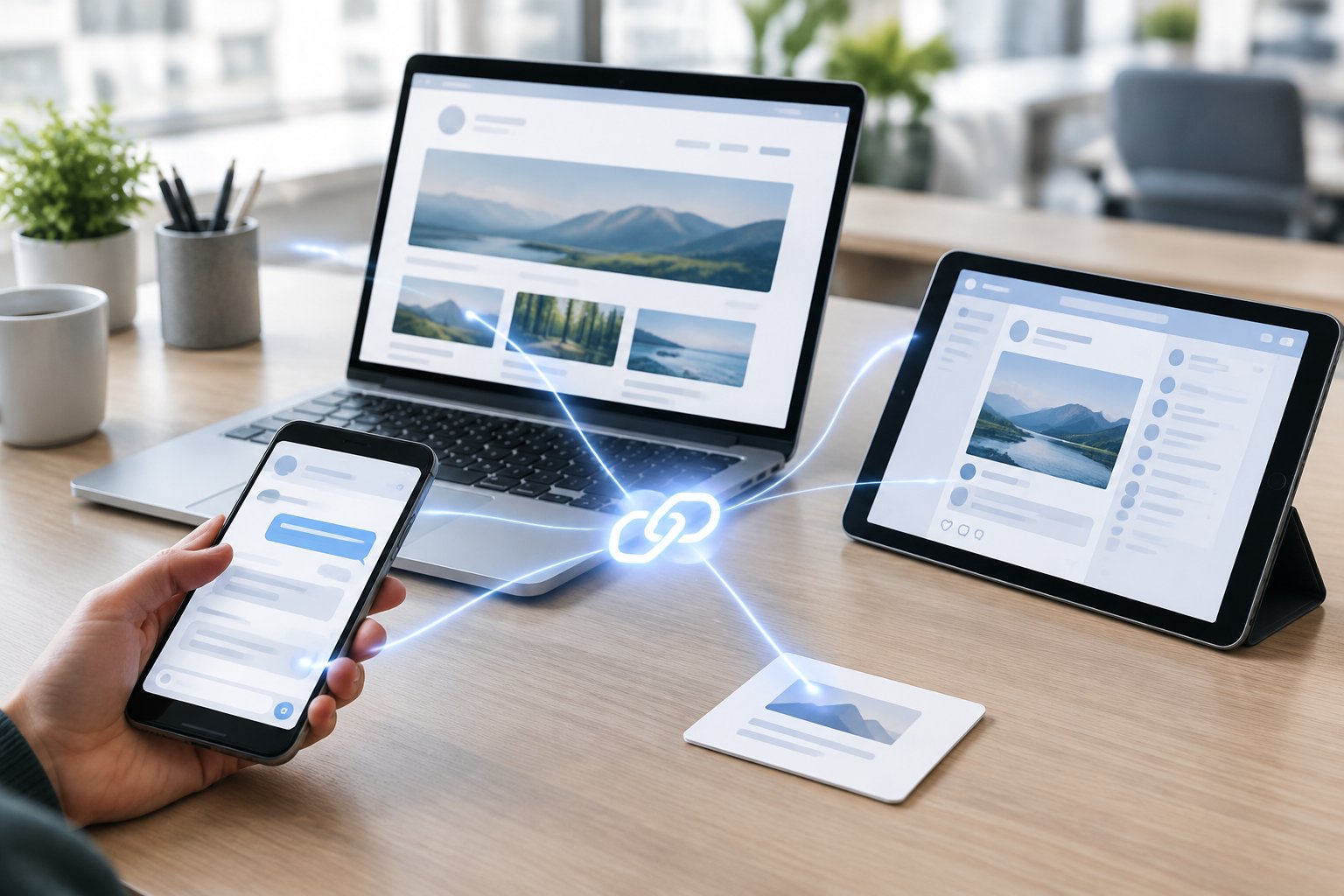
A link that works across channels starts with one short, consistent name used everywhere: on your website, your QR codes, your social bios and your printed materials. URL shortening and link shortening both aim for this same outcome, but a link only works across channels if it stays identical wherever the customer encounters it.
Setting up purpose-led paths under one name, such as food.r.nz/menu or food.r.nz/specials, lets a single memorable address cover several distinct customer journeys without customers needing to remember several different links.
Choose a Recognisable Name and Check Availability
Pick a name tied to your business, product or offer rather than a generic word, and check it is available before building any collateral around it. Registry’s domain-name search shows whether a specific r.nz name is free to claim.
Favour names that read naturally when spoken aloud, since many of these links end up printed on signage read from a distance or shared verbally over the phone.
Set the Destination and Add Clear, Purpose-Led Paths
Once a name is claimed, set its destination to the page you want customers to reach, and add paths for separate journeys such as a menu, a booking form or a social profile. This structure, as described for subdomains versus subdirectories, keeps one base name working for multiple distinct destinations without creating a separate link for each.
Use the Same Memorable Address on Print, Social Media and QR Codes
Use the identical short address across every channel: the same text on a business card, the same link in a social bio, and the same address encoded into a QR code. Short, clean addresses also produce cleaner QR codes, since dense URLs generate dense QR patterns that scan poorly on older cameras or in low light.
A dynamic QR code generator encodes a link that can be repointed later; this is distinct from a redirect service that lets you edit the destination behind an already printed link and understanding that difference improves scan reliability over the life of printed materials.
Add Campaign Parameters Without Displaying a Long URL
UTM parameters and campaign IDs can be added to the destination URL behind a short link, so your analytics platform still attributes traffic to the correct source, medium and campaign without the visitor ever seeing that tracking string. The short link carries the tag invisibly, which keeps the public-facing address clean while campaign tracking continues to work through whatever analytics tool receives the traffic.
How Do You Keep Links Reliable and Measure Their Value?
You keep links reliable by editing the destination centrally instead of reprinting materials, and you measure their value by combining click analytics with website conversion data rather than relying on either alone. Link management is the discipline of treating a short link as a living asset rather than a one-time setup.
A link management platform should let you update shortened links instantly, show real-time analytics on clicks, and make clear what happens to data and to the link itself if you stop paying.

Update Destinations Without Reprinting Your Marketing Materials
The core benefit of an editable short link is that the printed address never has to change, even when the page behind it does. A property listing that sells, a menu that updates, or a campaign that rotates offers can all point to a new destination from a dashboard, while the signboard, business card or brochure stays exactly as printed.
This is the main advantage behind redirect management for New Zealand businesses, where outdated printed links would otherwise mean reprinting costs every time something changes.
Check SSL, Destination Screening and Redirect Behaviour
Confirm the provider secures redirects with SSL and screens destinations for malware or phishing before sending customers through. Redirect behaviour also matters for search signals: a 301 redirect passes ranking signals permanently to the destination, while a 302 keeps them on the short link, so the distinction is worth understanding before relying on redirects for SEO purposes.
Distinguish Click Analytics from Website Conversions
Click analytics show how many people clicked a link, from which referrer, country or device, while website conversion data shows what happened after they landed on your page. A link shortener’s click count and your website’s conversion tracking measure two different halves of the same journey, and reading both side by side reveals problems a single number cannot, such as a healthy click count paired with a weak landing page.
Review Renewal Costs, Data Retention and Cancellation Terms
Check what happens to your links and their data if you cancel: whether the link keeps redirecting, whether analytics history is retained, and what the renewal cost looks like against the free or entry tier you started on. Cancellation and redirect behaviour after cancellation vary by provider, so confirm these terms before putting a permanent asset like a signboard or business card behind any shortened link.
Choose an Address Customers Can Keep Using
A memorable business URL earns its keep over months and years, not just at the moment you print it. Choosing a short, branded link now means fewer reprints later, since editable destinations let the address stay fixed while the business behind it changes.
The strongest short links are the ones customers barely notice they are reading: clear, consistent, and tied to a name they already trust. Whether that link sits on a custom domain you already own or a managed subdomain such as r.nz, the same principle applies: pick a name once, and make sure it still works wherever it was printed or shared.
Frequently Asked Questions
Do I need to replace my existing business domain to use a short URL?
No, a short URL can run alongside your existing business domain rather than replacing it. Many businesses keep their main website on its original domain and use a short, branded link such as an r.nz subdomain for signage, QR codes or a specific campaign.
Can a short business URL point to a booking page or social profile?
Yes, a short business URL can redirect to a booking page, social profile, online store, listing or any other secure destination. The destination can also be changed later from a dashboard without changing the public-facing link already printed or shared.
Can I change the destination after printing a QR code?
Yes, provided the QR code encodes a short link with an editable destination rather than the final page itself. A QR code that encodes the final destination URL directly cannot be redirected later, which is why pairing QR codes with an editable redirect matters before printing signage or packaging.
Will a shortened business URL affect SEO?
A shortened business URL used for marketing links (social bios, print, QR codes) does not harm the SEO of your main website, since these are typically separate redirect destinations rather than pages competing in search results. Redirect type matters more for SEO when a page itself moves permanently, where a 301 redirect passes ranking signals to the new address.
What happens to my short links if I cancel the service?
What happens depends on the provider, so check the specific terms before relying on a short link for permanent collateral like signage or business cards. Some services stop resolving the link once a subscription ends, while others may retain the redirect for a period; confirming this detail in advance avoids a broken link appearing on materials you cannot quickly reprint.